View Blaze’s operation history
The chat shows operations that Blaze performs as it works. When a response finishes, consecutive operations between messages are grouped and collapsed to make the response easier to read.
1. Expand a group of operations
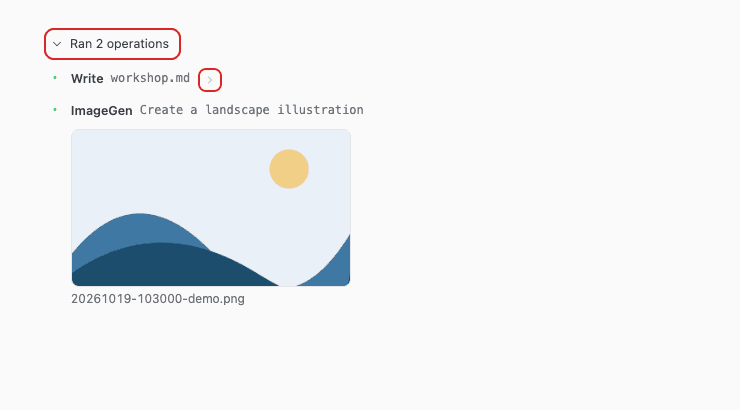
Click “Ran N operations” to expand the list. Click it again to collapse it.
2. Inspect an operation
For operations with a detail preview, click the arrow button on the right side of the row. Click it again to close the preview.
Click generated images or files that can be opened to view them. See Generate images for details about the image viewer.