Pay by bank transfer
Blaze supports payment by bank transfer.
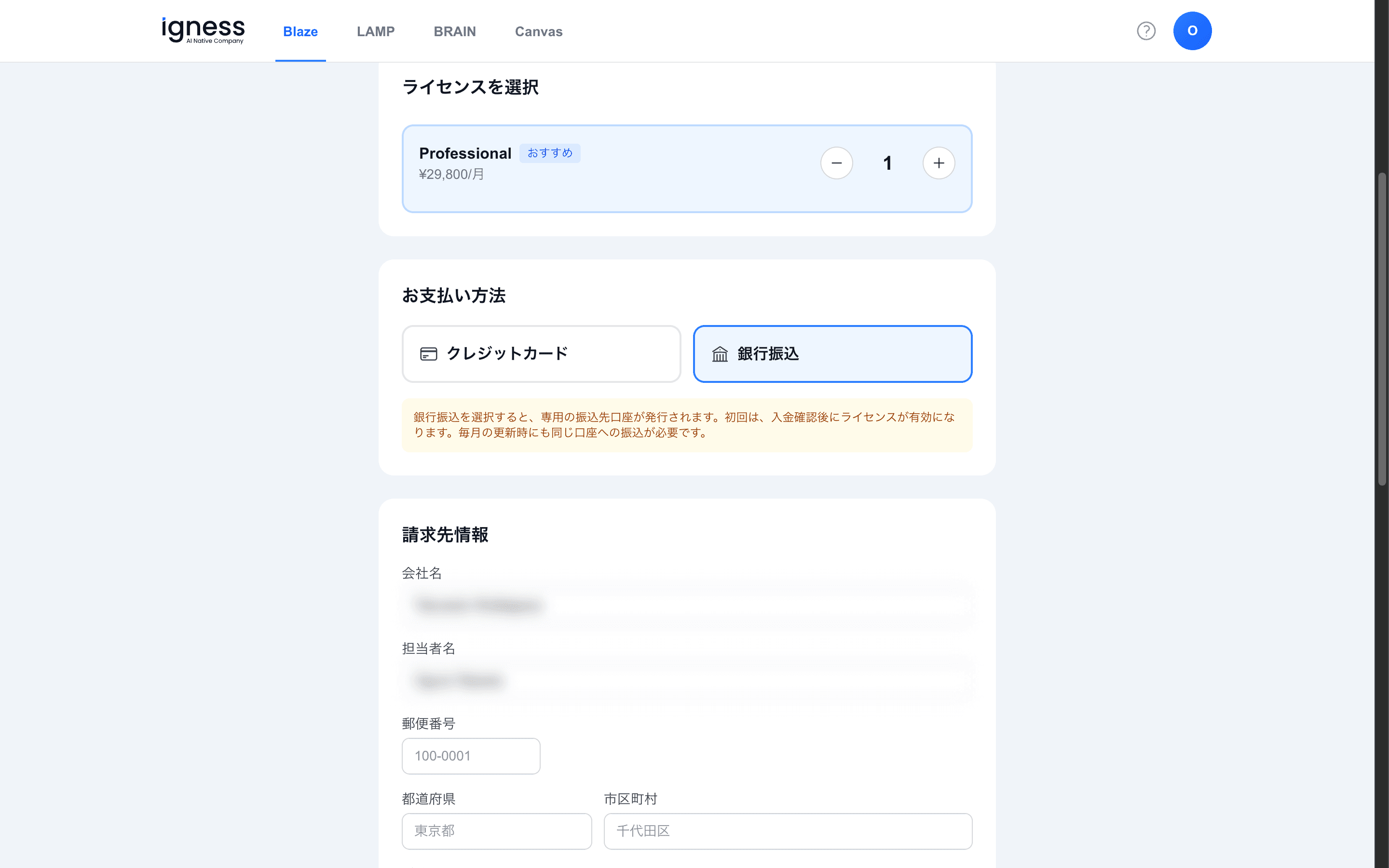
On the purchase screen, select “Bank transfer” as the payment method. A dedicated transfer account is then issued for you.
Bank transfer is available in Japanese yen (JPY) only.
Steps
-
Select “Bank transfer” under “Payment method”.
-
Fill in “Billing information” (company name, contact name, postal code, address, and so on).
-
Click “Proceed to payment” to see the details of your dedicated transfer account.
-
Transfer to the account provided. For the first payment, your license is activated once the payment is confirmed.
At each monthly renewal, you also need to transfer to the same account.