Invite users to your organization
Administrators can create an invite link to provision users.
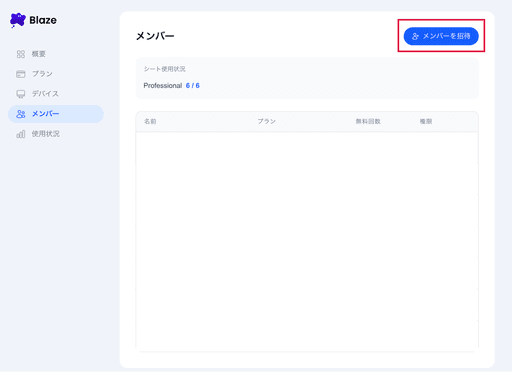
From the Blaze account console members page, click “Invite member”.
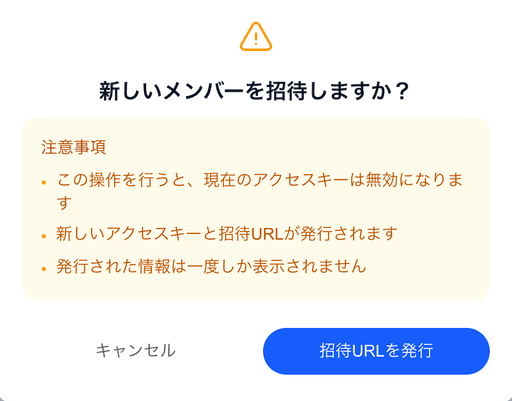
A dialog opens. Click “Generate invite URL”.
An invite URL is generated. Copy it and share with the members you want to invite.