Create your account
This assumes that the org administrator has already sent you an organization invite URL. After you receive the invite URL from your administrator, follow the steps below to join the organization.

Click the URL from your administrator to open the sign-in screen.
-
If you already have an account
-
Sign in with email or Google authentication.
-
If you don’t have an account yet
-
Click “Create account” at the bottom of the screen.
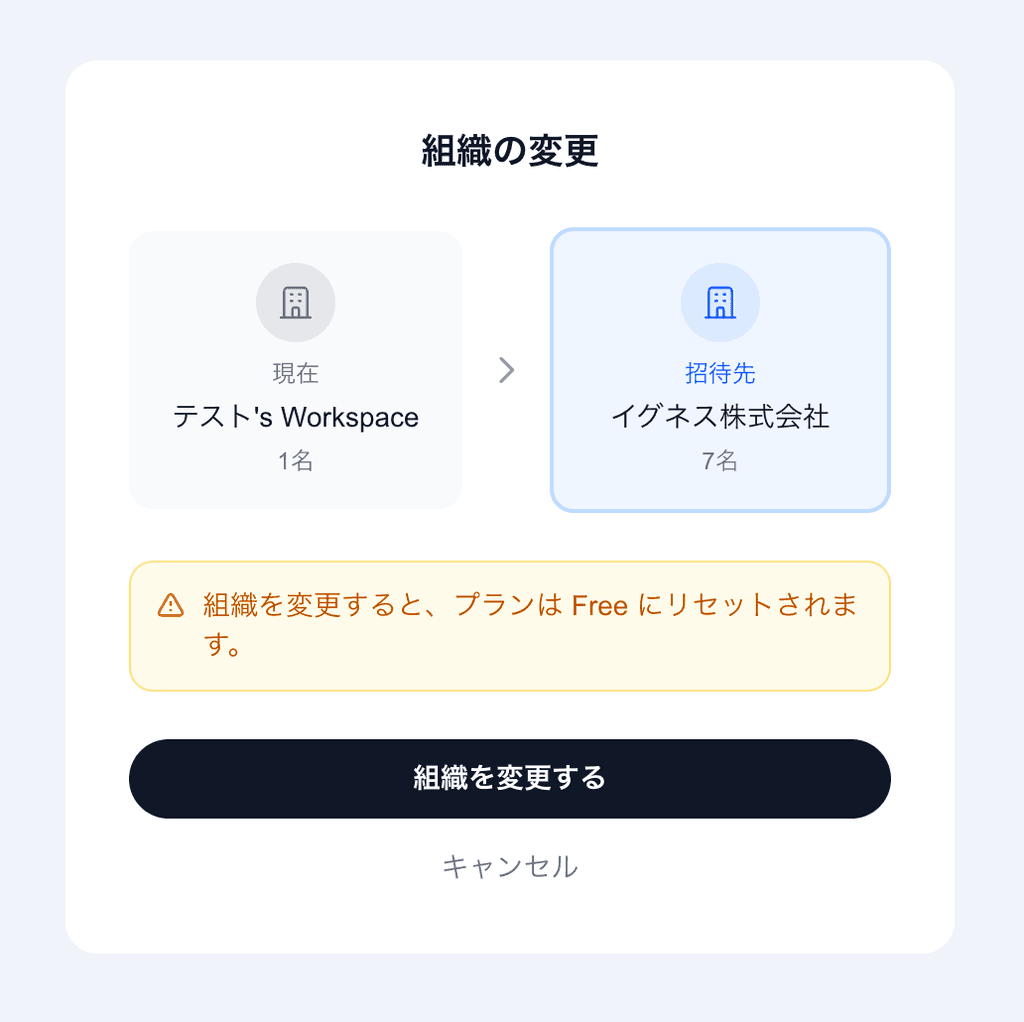
After signing in or creating a new account, the “Switch organization” screen appears.
Click “Switch organization”.
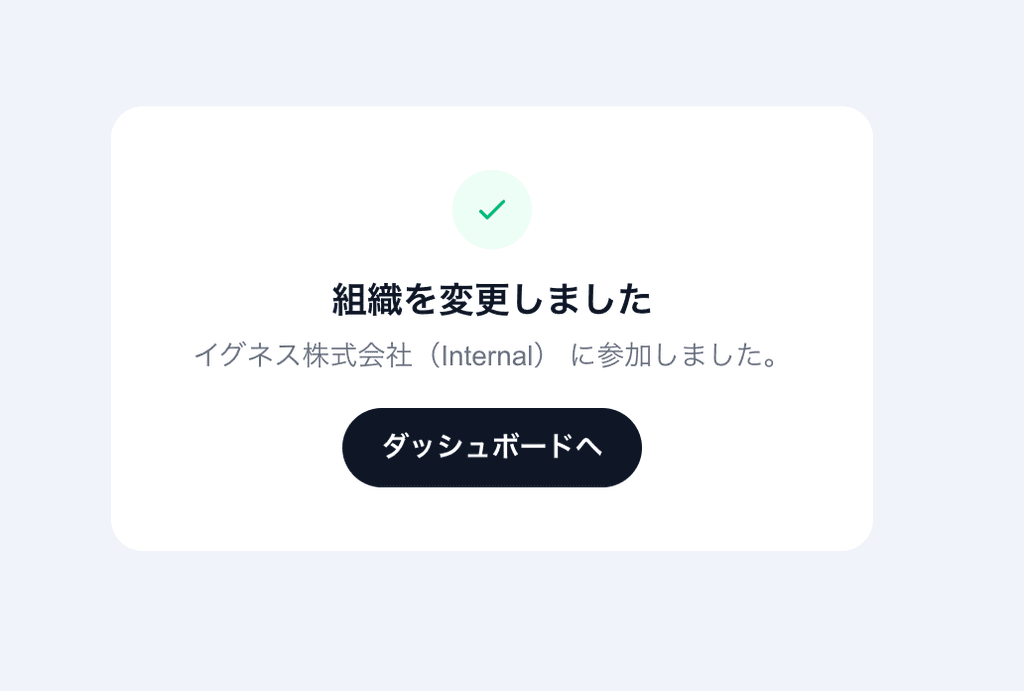
When the “Organization switched” screen appears, your organization account is ready.
Click “Go to dashboard”.