Manage your devices
Open “Devices” in the sidebar to manage your registered devices.
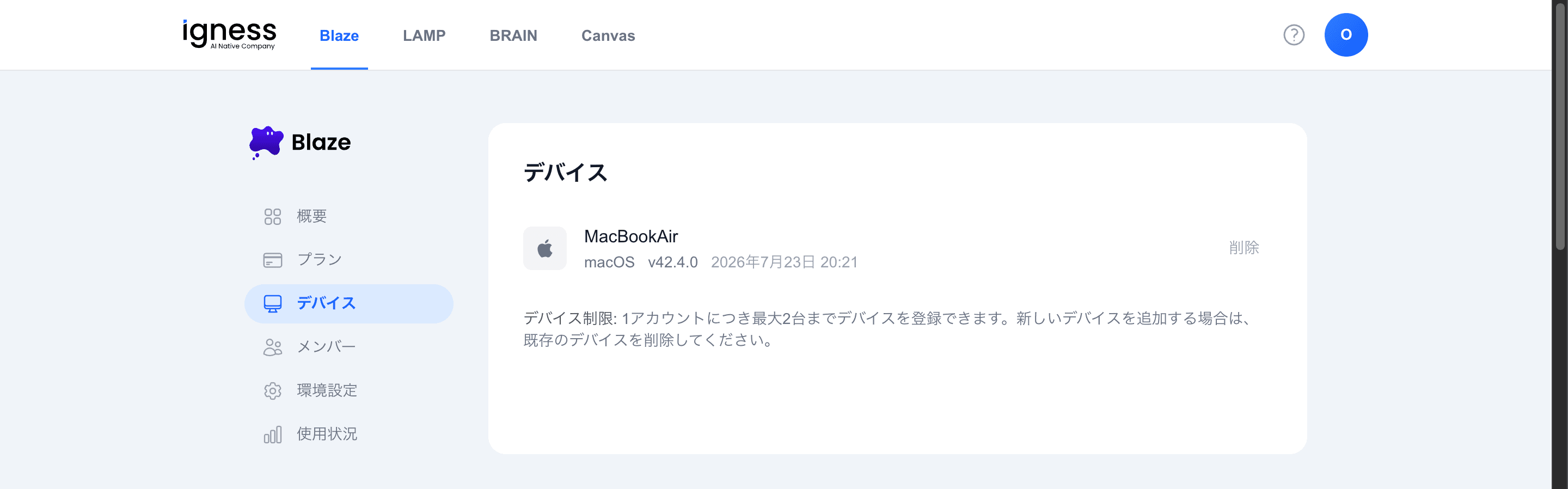
Your registered devices are shown in a list.
| Item | Description |
|---|---|
| Device name | The name of the registered device |
| OS / version | The device’s OS and version |
| Registered at | When the device was registered |
| Delete | Remove a device using the button on the right of the list |
Device limit: You can register up to 2 devices per account. To add a new device, delete an existing one first.