Choose when follow-up messages are applied
Choose when follow-up messages you send while Blaze is working are applied.
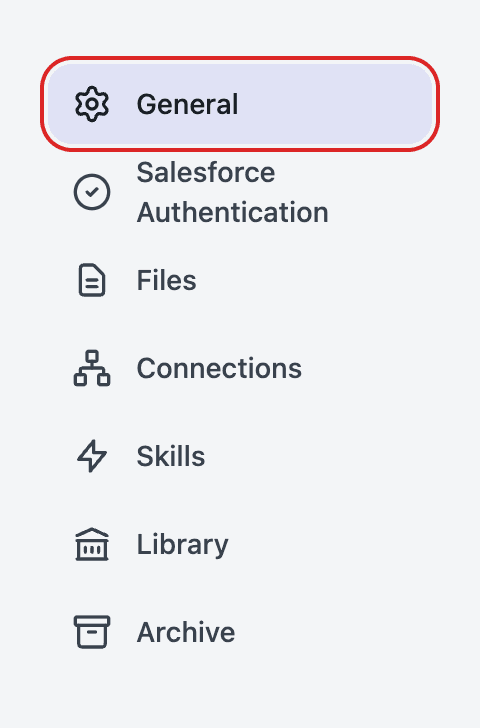
Open Settings → General from your profile at the bottom-left of the screen.
Click Queue delivery timing and select your preferred option.
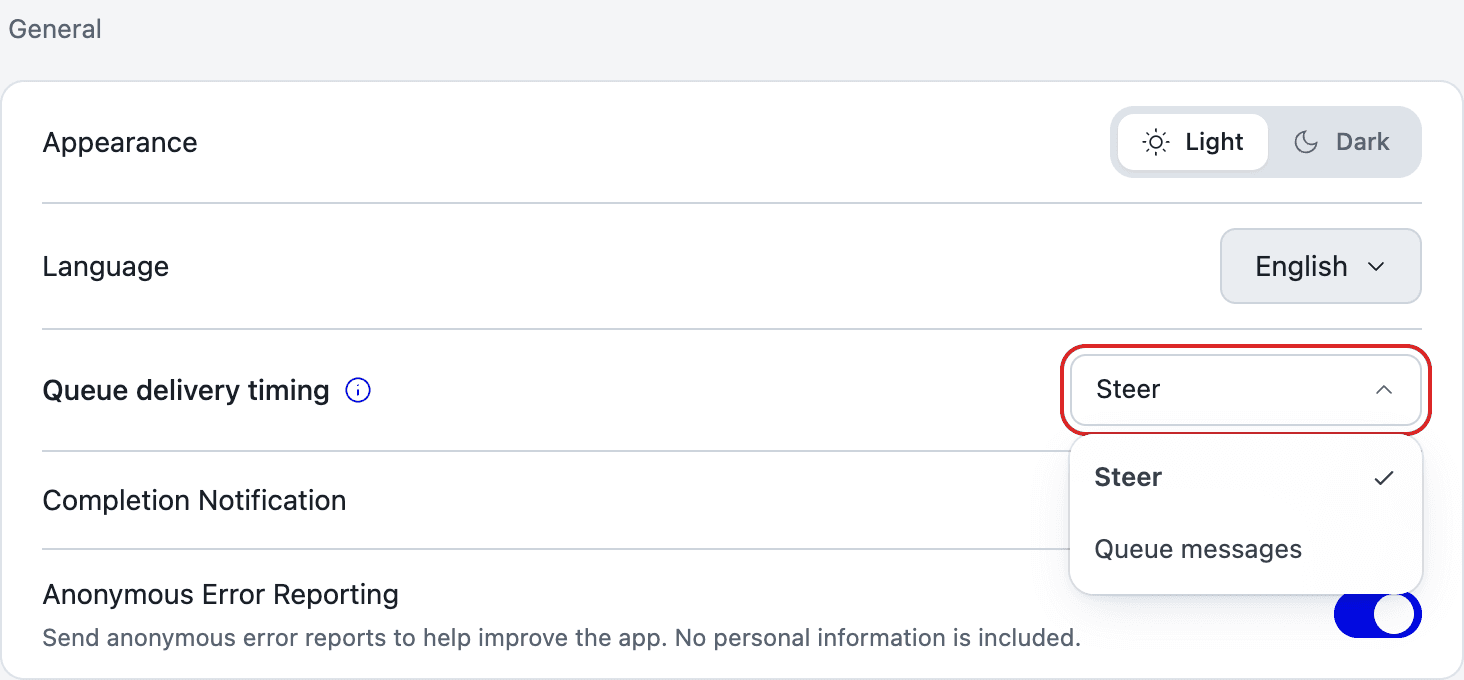
Delivery timing options
| Option | Behavior |
|---|---|
| Steer | Sends the message at the next break in the current task without stopping the response or tool execution in progress. |
| Queue messages | Sends the message as the next instruction after the current task finishes. |