Reading the dashboard
Here’s how to read the “Overview” screen in the Blaze account portal.
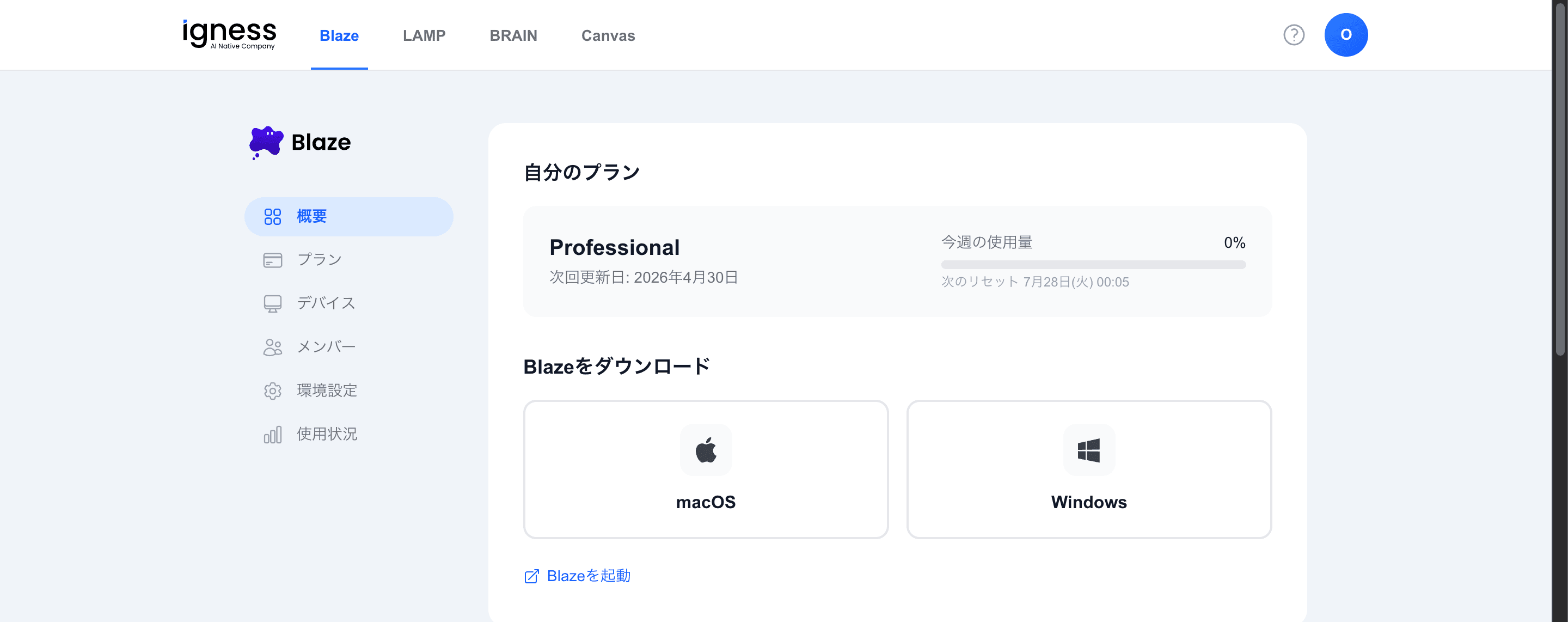
Your plan
The “Your plan” card shows the following.
| Item | Details |
|---|---|
| Plan name | The plan you’re currently on |
| Next renewal date | When your plan renews next |
| This week’s usage | This week’s usage (%) and the next reset date and time |
For a usage breakdown, see Check your usage.
Download Blaze
Under “Download Blaze”, you can get the app for your operating system.
Launch Blaze
Click the “Launch Blaze” link to open the Blaze app you’ve already installed.