Check your usage
You can check your usage from “Usage” in the sidebar of the Blaze account portal.
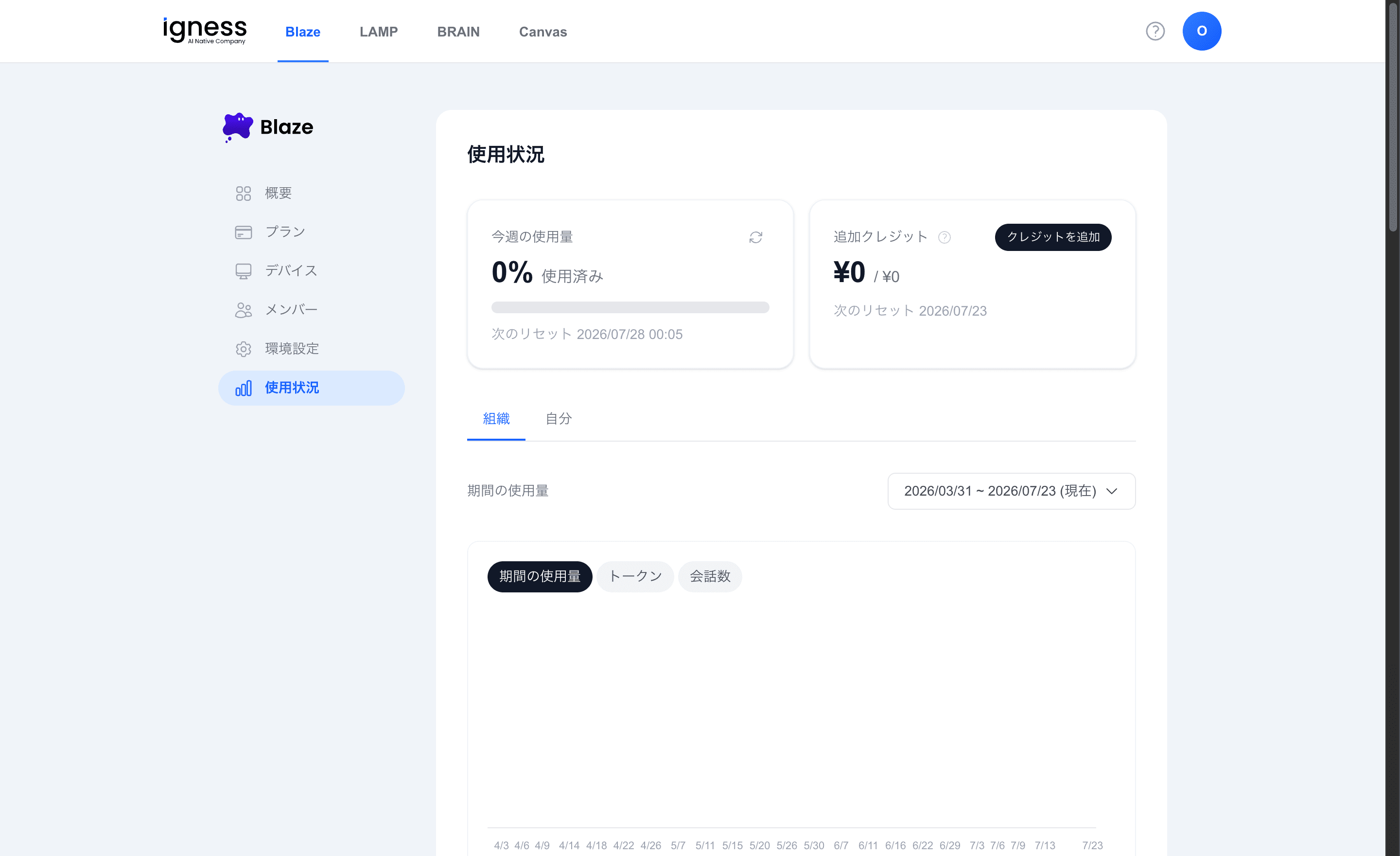
This week’s usage and extra credits
The top of the screen shows the following.
| Item | Details |
|---|---|
| This week’s usage | Usage (%) and the next reset date and time |
| Extra credits | Remaining balance and “Add credits” |
Use the “Organization” and “You” tabs to switch the view.
Usage by period
Select a period to see usage by model in a chart. Switch the display between “Tokens” and “Conversations”.
Summary by user
For each user, “User”, “Plan”, and “Total amount” are shown.
Full conversation history
A list shows “Date and time”, “User”, “Model”, “Input”, “Output”, “Credits”, and “Type”. Use pagination to browse past history.