Set Your Organization Info
Open “Organization Settings” from the account icon menu in the top right.
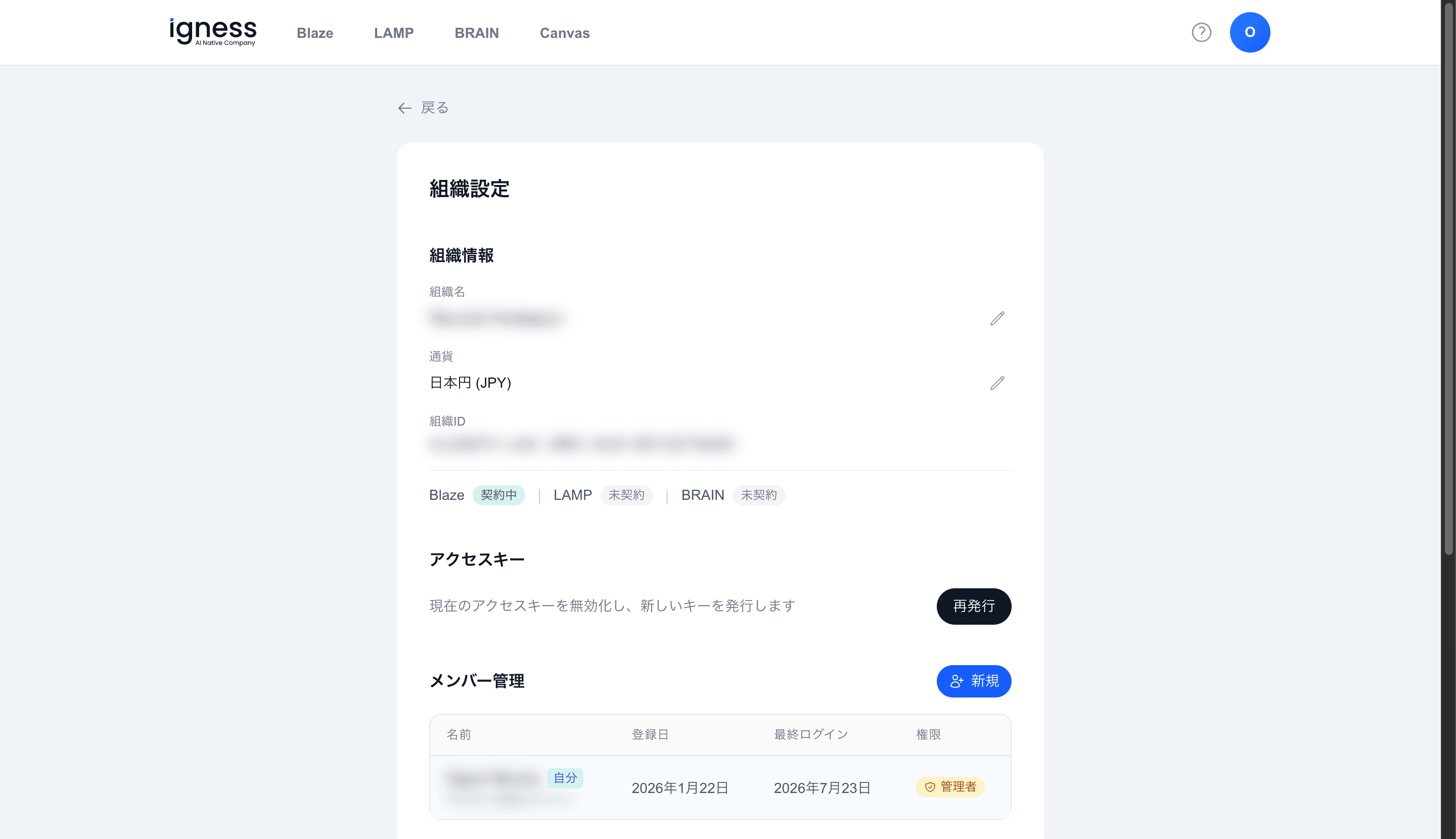
Organization Information
Under “Organization Information,” you can review and edit the following.
| Item | Description |
|---|---|
| Organization name | Edit with the pencil icon |
| Currency | For example, Japanese Yen (JPY). You can change it with the pencil icon before a subscription starts |
| Organization ID | The ID that identifies your organization |
The currency cannot be changed once a subscription has started, because billing is tied to that currency. Change it before starting a subscription if needed.