Manage Members
Manage your organization’s members on the “Members” screen in the sidebar (or Organization Settings → Member Management).
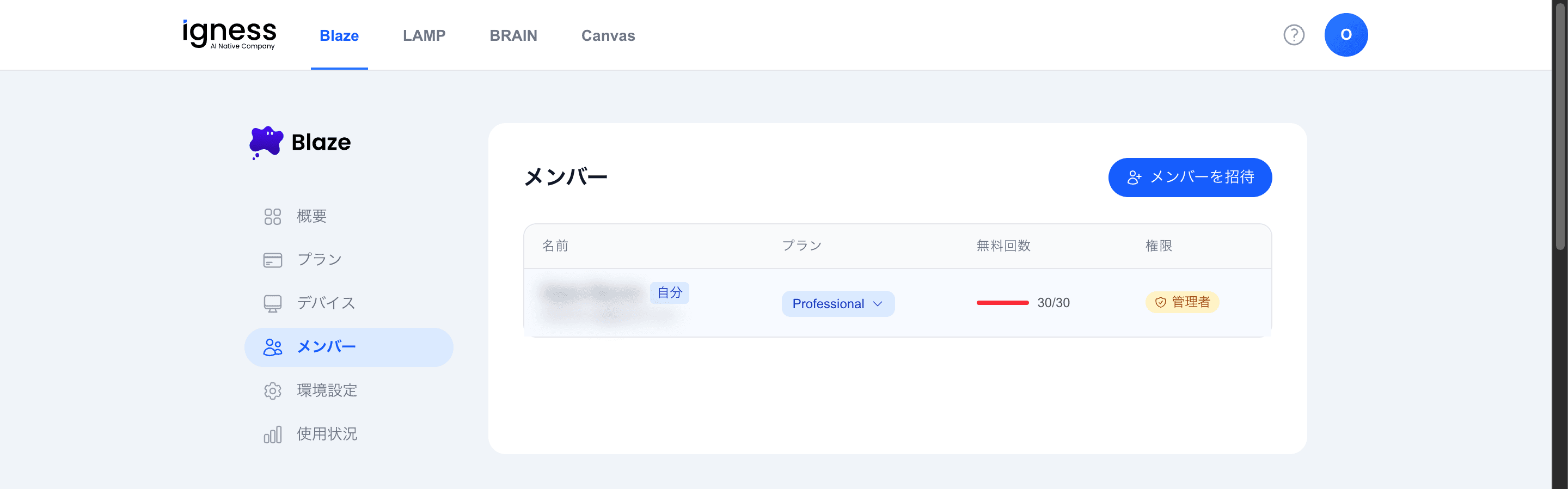
The “Seat Usage” is shown at the top (for example, Professional 8 / 8).
Member List
The list table shows the following columns.
| Column | Description |
|---|---|
| Name (email) | The member’s name and email address |
| Plan | Change the assigned plan with the dropdown |
| Free uses | For example, 12/20 |
| Role | Change between “Admin” and “Member” with the dropdown |
Change Roles
Use the dropdown in the “Role” column to assign “Admin” or “Member” to each member. Grant or revoke admin rights here.
Assign a Plan
Use the dropdown in the “Plan” column to change the plan assigned to each member. Assign plans while checking the seat usage.
Invite Members
Use the “Invite Member” button in the top right to invite new members. For the steps, see Invite Users to Your Organization.