Open files Blaze created
You can open files Blaze created in the built-in browser. Requirements documents open the same way.
1. Open from the conversation
Click the “Ran … operations” heading.
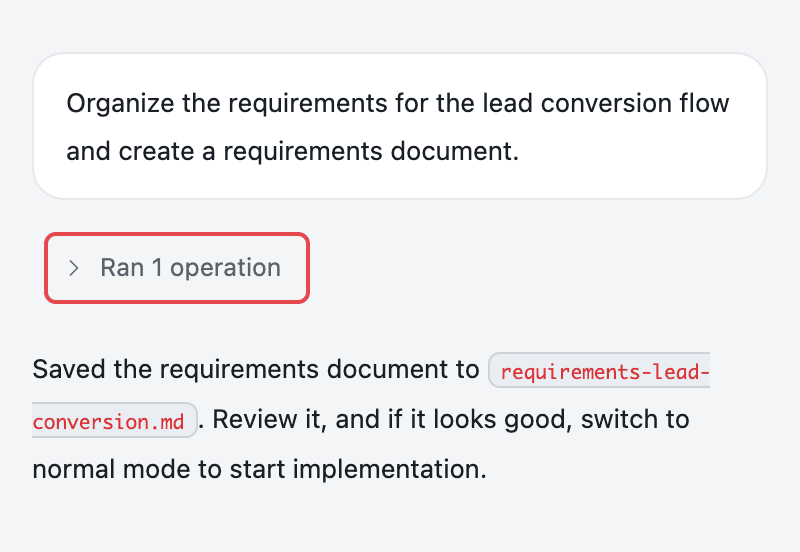
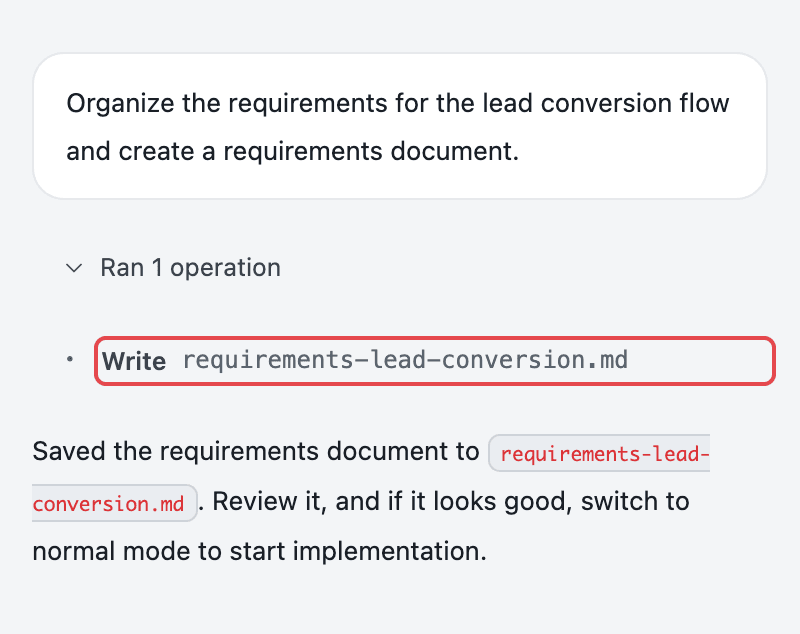
Click the row with the file name. Rows where a file was created show Write.
The file opens in a tab in the built-in browser.
2. Open from the file list in the built-in browser
Click the “Toggle Browser” button at the top right of the window. The shortcut is Command + Option + B on Mac and Ctrl + Alt + B on Windows.
A list of the files Blaze created or changed in this conversation appears. Requirements documents are under “Other”.
Click a file name to open it in a tab.
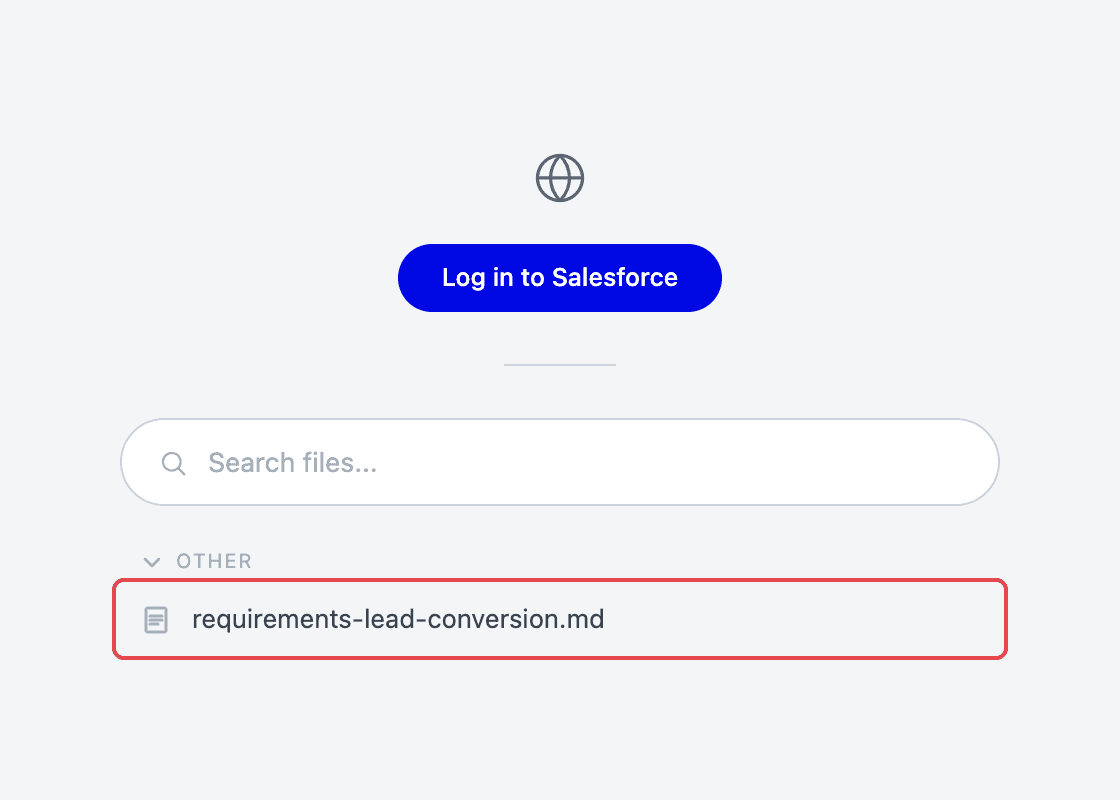
If a page is already open, click ”+” in the tab bar to open a new tab with the list. Type part of a name in “Search files…” to narrow the list.
3. Export as PDF or Word
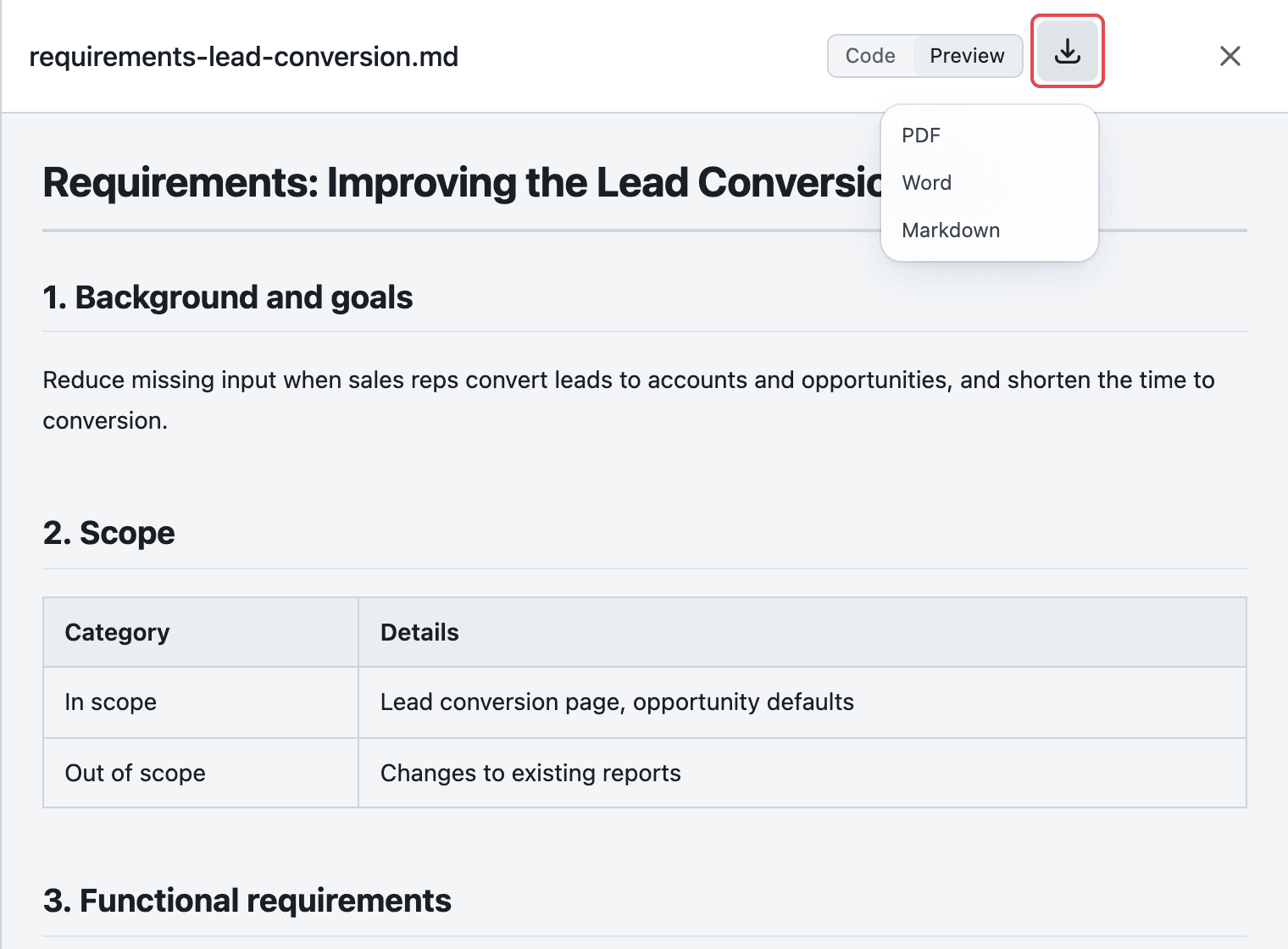
Click the “Download” button at the top right and choose “PDF”, “Word”, or “Markdown”. Choose where to save it in the save dialog.
Use “Code” and “Preview” to switch the view.