Save Browser History
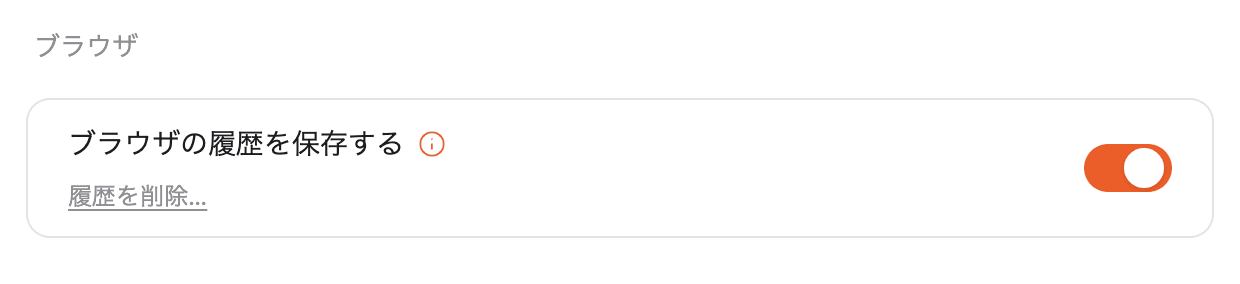
1. What is it?
In Blaze’s in-app browser, this saves the pages you’ve visited and shows them as address bar suggestions and in the “History” list. History is stored only inside the Blaze app on this device and is never sent externally.
Turning it off:
- Stops saving new history entries
- Stops showing suggestions in the address bar
- Stops adding new pages to the list under “More actions → History”
- Keeps any history already saved — nothing is deleted
2. Where to open
Profile (bottom-left) → Settings → General tab → “Browser” section.
3. Deleting history
Click “Delete history…” to open a confirmation dialog. Review it and click “Delete” to permanently remove the history from this device.
⚠️ Turning the toggle off does not delete existing history. Use this link to delete it. This action cannot be undone.
4. FAQ
Q. If I turn the toggle off, does my existing history disappear?
No. Turning it off only stops saving new history and showing suggestions — existing history stays on the device. To remove it completely, use “Delete history…”.
Q. Is history sent to an external server?
No. It’s stored only inside the Blaze app on this device. URLs containing credentials (such as URLs with access tokens) are automatically excluded from being saved.
Q. How is this different from “More actions → History” in the in-app browser?
They refer to the same history data. Turning this toggle off stops both the address bar suggestions and new entries being added to “More actions → History”. See In-App Browser for details.